Roles & visibility simply explained
Written By Janina
Last updated 5 months ago
In Proyex, multiple people often collaborate on a project, including both internal team members and external clients.
To keep projects organized, there are clear rules about who can view and edit content.
Roles in the Project
Generally, there are two types of people in Proyex who can have access to a project:
Team members
Guests (clients)
These roles have different rights and responsibilities.
Team members
Team members are internal users who actively work on the project.
Within a project, they can typically:
Create and edit tasks
Create and modify milestones
Create revisions
Upload and organize files
Invite guests
Customize project settings
Within a team, there is also a team owner.
This person sets the team name and manages basic settings, for example.
Which features team members can use depends in part on the selected plan.
Guests (customers)
Guests are external individuals who are granted access to a project, such as customers. They can actively collaborate on the project without altering the project structure.
Guests can:
change the status of tasks
upload files
comment on revisions
approve or reject revisions
Guests cannot:
Create or edit tasks
Comment on tasks
Change milestones
Start new revisions
Invite other guests
Change project settings
This way, the project structure always remains under the team’s control.
What clients see in the project
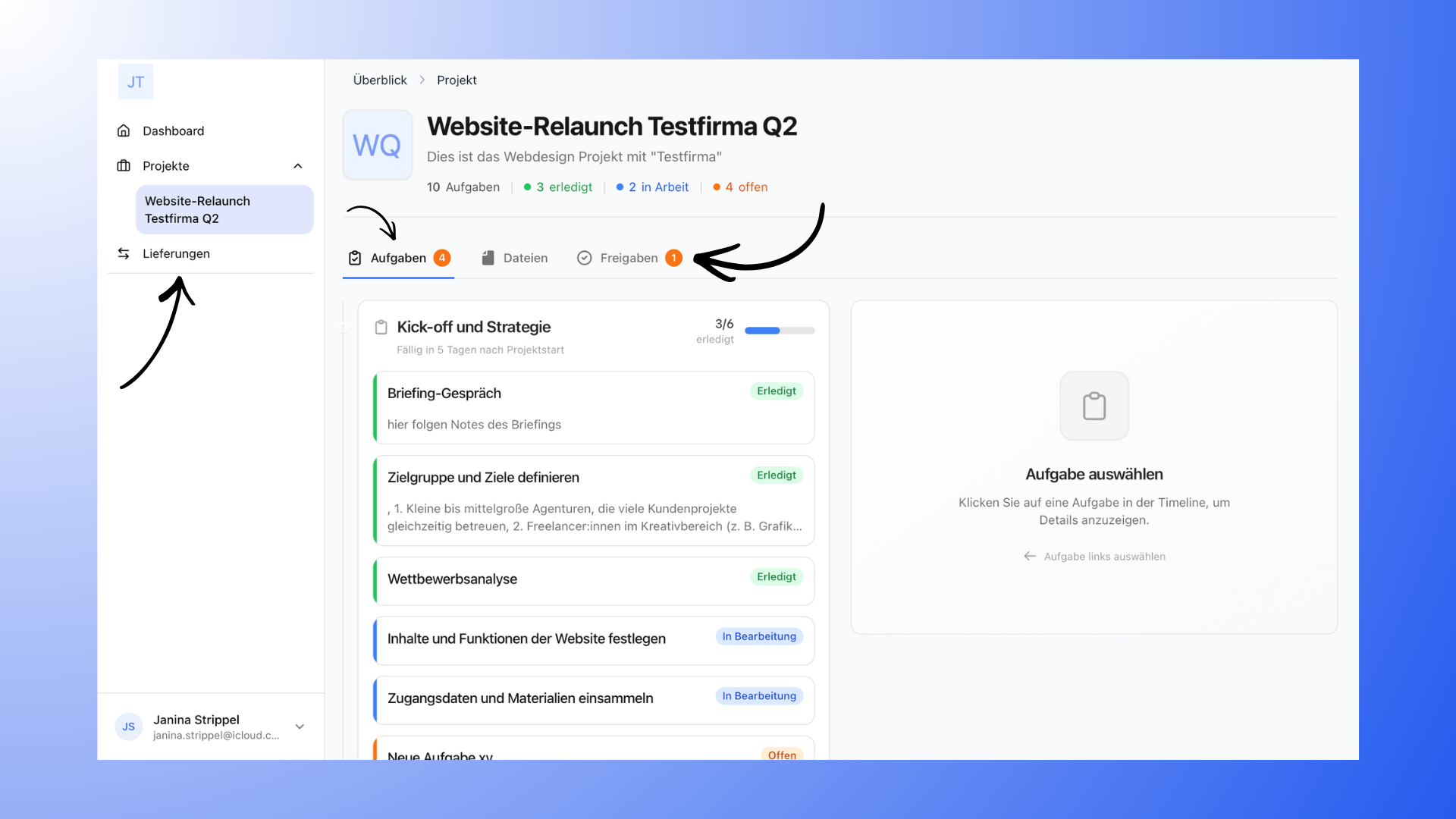
Clients see a simplified project view with the most important information. This includes:
Project overview
Tasks and their status
Milestones
Files
Revisions and approvals
Comments in revisions
Change logs for revisions
This content allows customers to track the progress of a project.
What customers don't see
Some areas are intended exclusively for internal use.
Therefore, customers do not see:
the Kanban board
the table view
the internal team chat
internal notes
hidden tasks
Hidden milestones
This content remains entirely internal.
Control content visibility
You can decide for yourself which content is visible to customers. Tasks and milestones can be controlled using the eye icon:
Blue eye → Content is visible to customers
Gray, crossed-out eye → Content is hidden from customers
Hidden content remains visible to you but does not appear in the customer view.
Revisions can also be withdrawn or deleted at any time.
Access to Projects
Guests can only see the projects they have been invited to. However, they do not have access to other projects, other clients, or internal team information.
Notifications
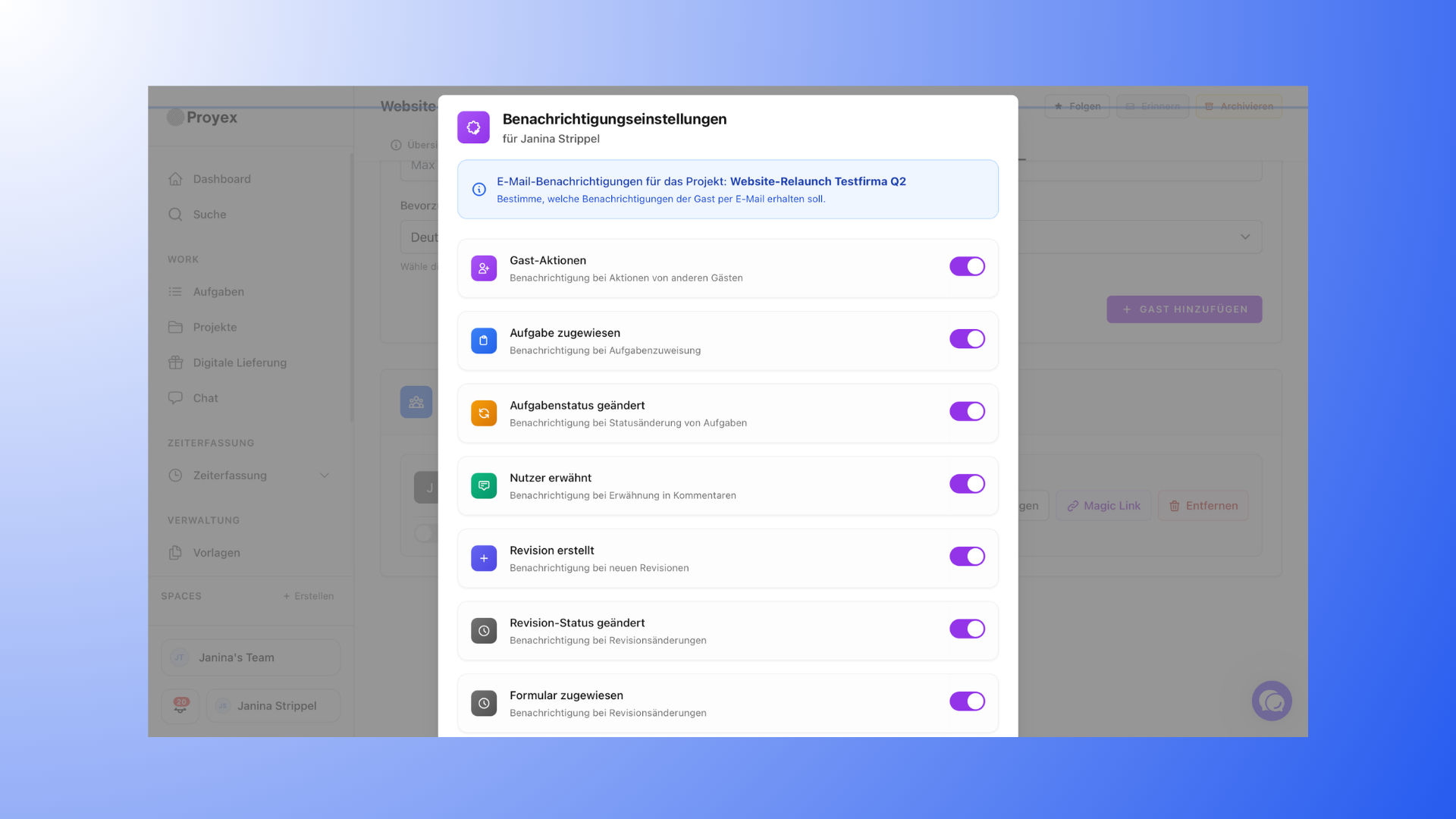
Clients are notified of changes to the project via email.
For example:
new revisions
task status changes
Mentions
new files
Which notifications are sent depends on which options are enabled in the settings.
🔗 Related articles
“Customer Roles & Permissions”