The most important views explained
Written By Janina
Last updated 5 months ago
Proyex consists of several main views, each serving a specific purpose:
Dashboard
Tasks
Projects
Project views (e.g., board, calendar, files, revisions)
Digital Deliverables
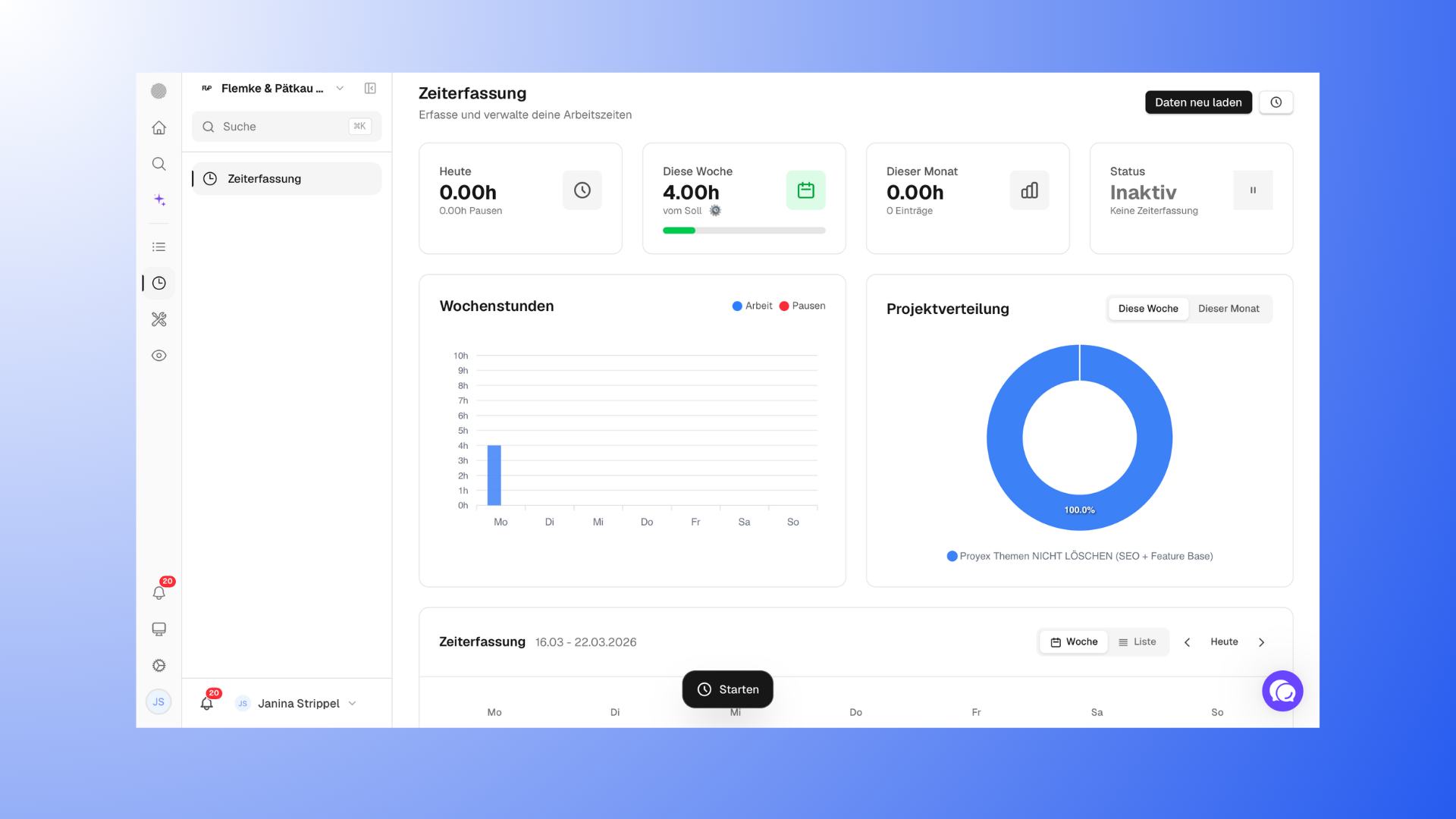
Time tracking
Dashboard (Starting Point)
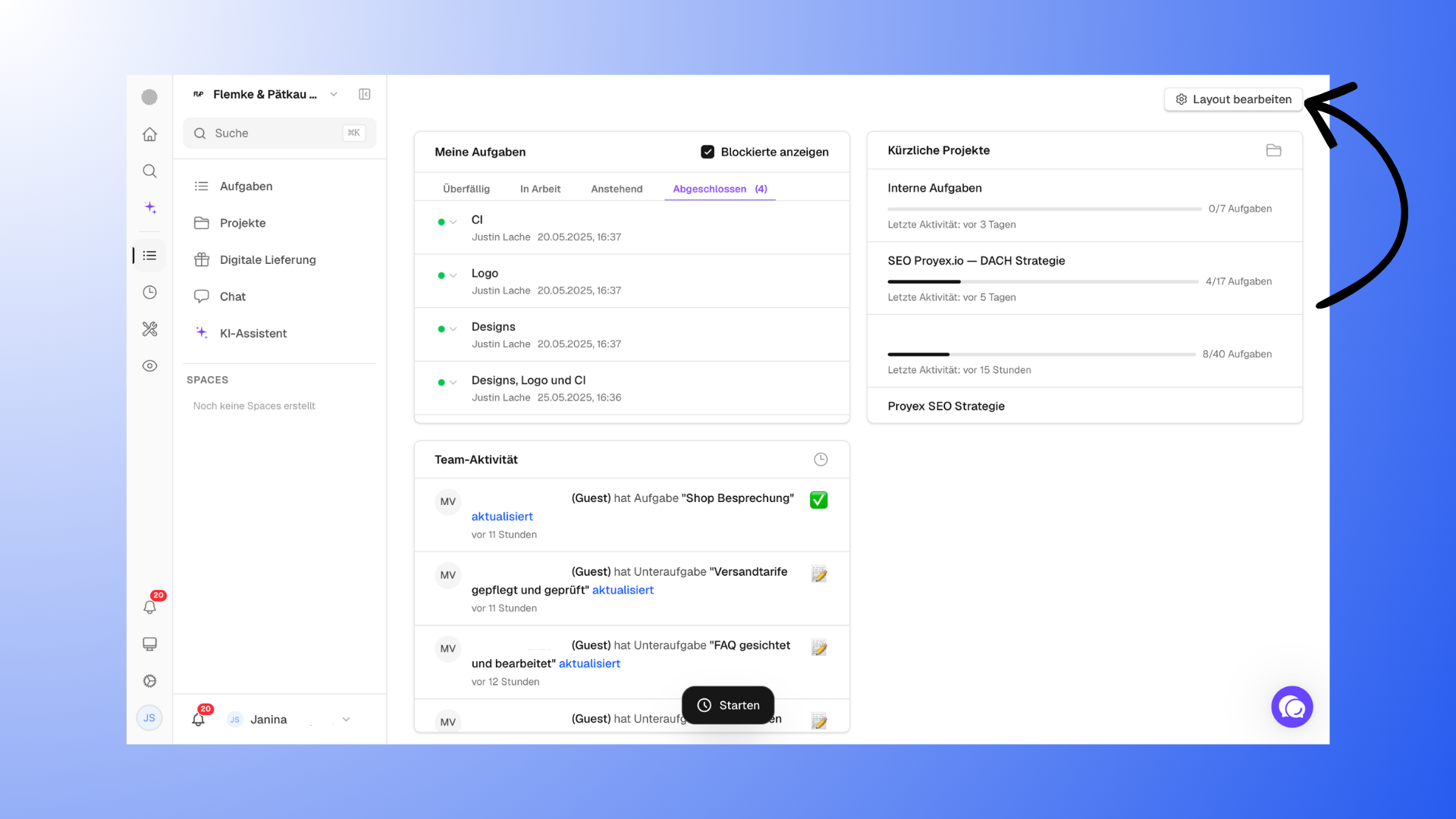
The dashboard is your starting point and gives you a quick overview of your work.
Here you can see, for example:
your tasks
current projects
activities
The dashboard is perfect for starting and planning your day. You can also customize it.
Learn more about the dashboard here: "The dashboard - your overview at a glance".
Tasks (your focus on work)
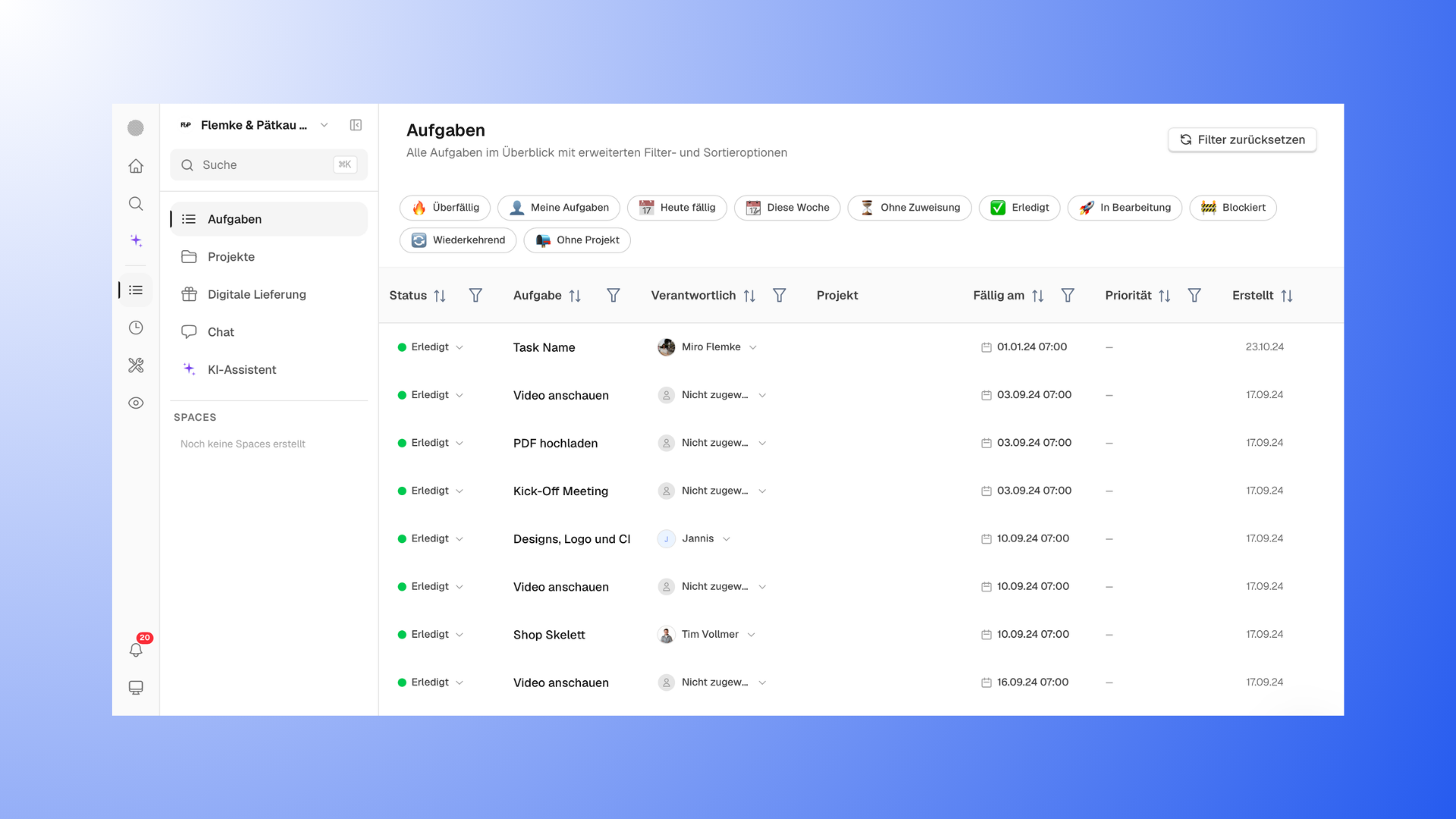
The Tasks view shows you all tasks across all projects.
Here you can:
see what’s coming up today or this week
filter by deadlines
Prioritize tasks
This view is especially helpful if you want to know what needs to be done next.
Projects (the big picture)
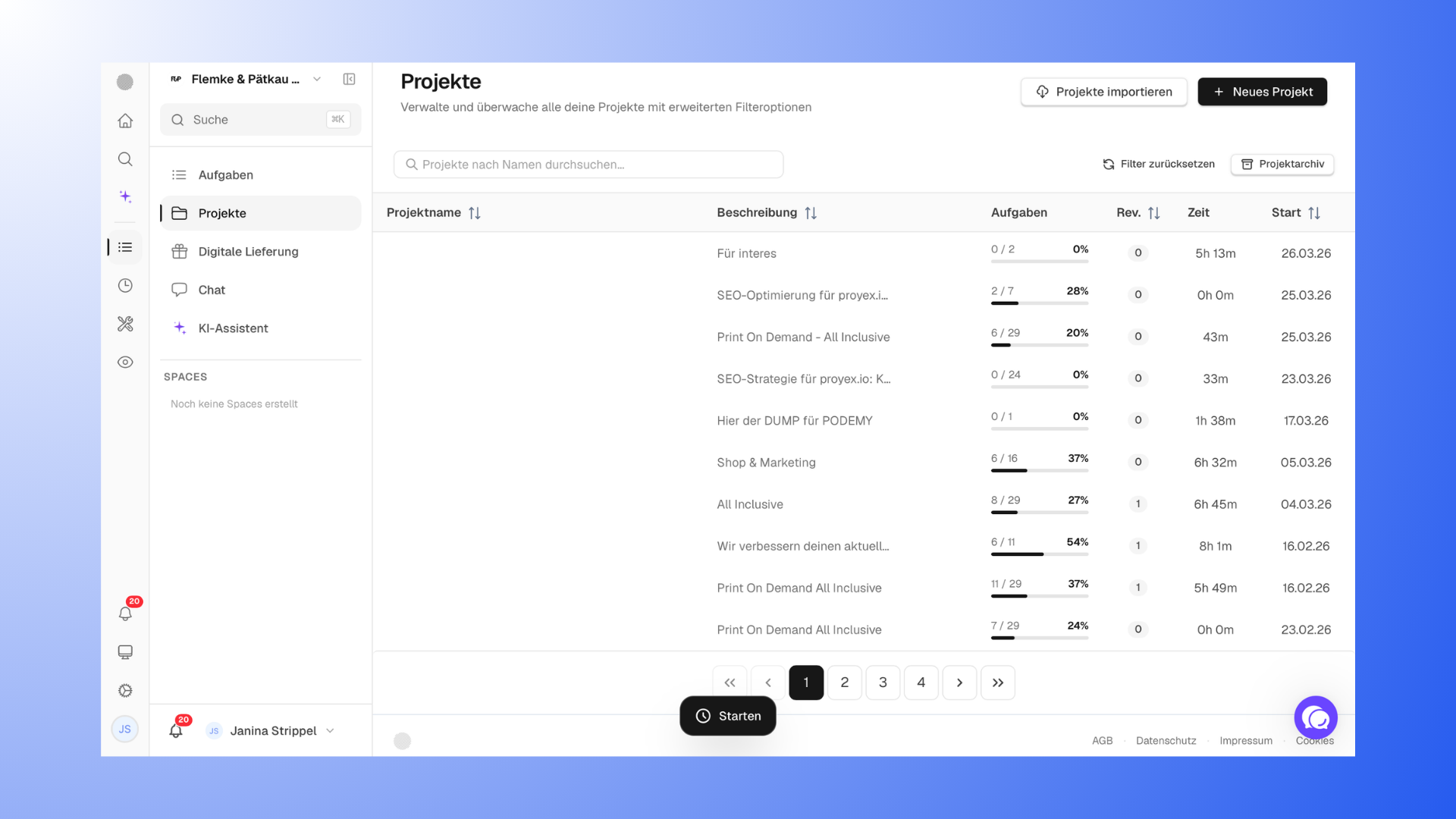
In the project view, you can see all your projects at a glance.
Here you can see:
which projects are active
how far along they are
where you currently stand
This view is ideal if you tend to work on a project-based basis.
Views within a project
When you open a project, you have several views to choose from.
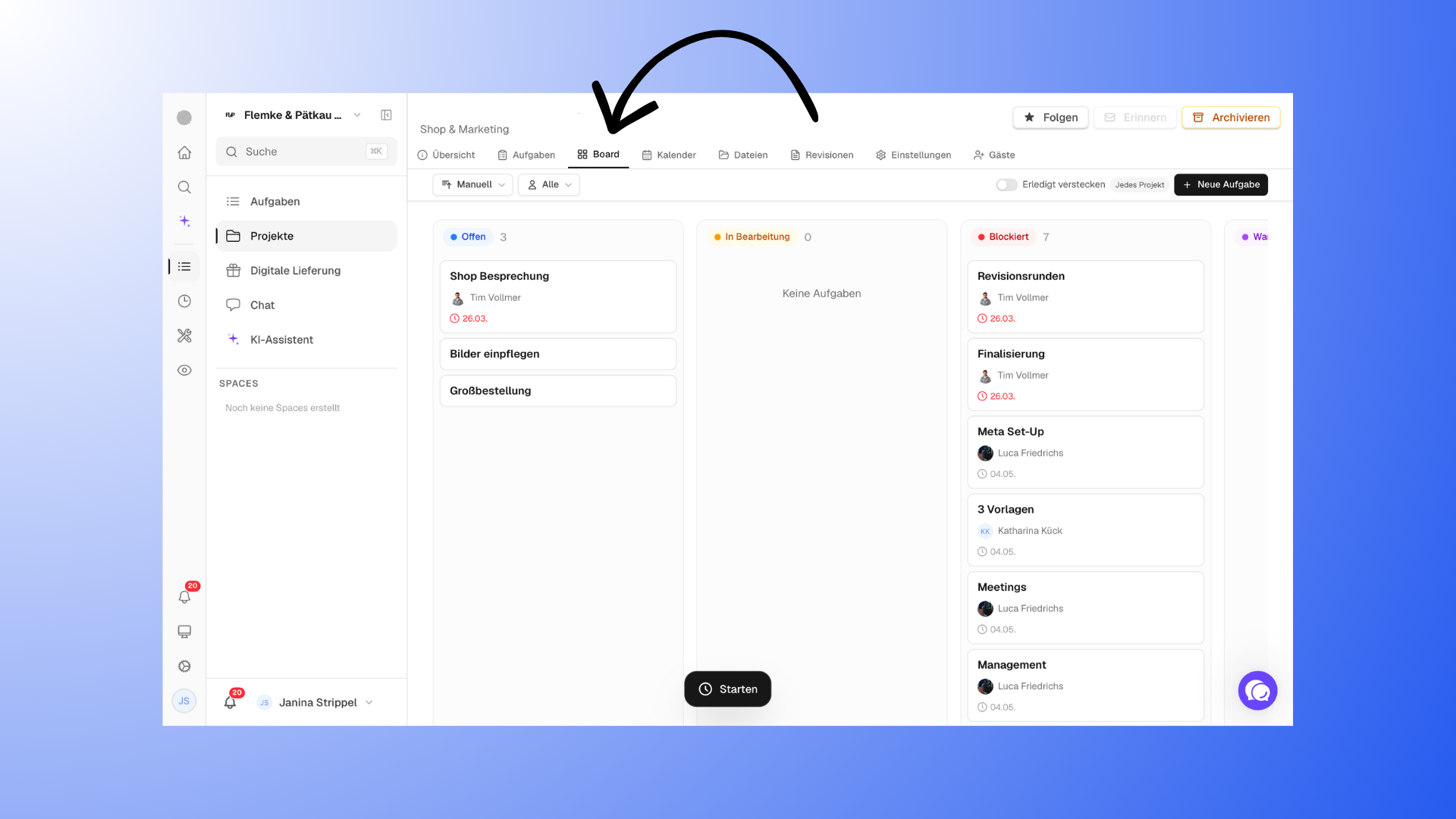
Board (Kanban)
Displays tasks visually by status (e.g., open, in progress, done).
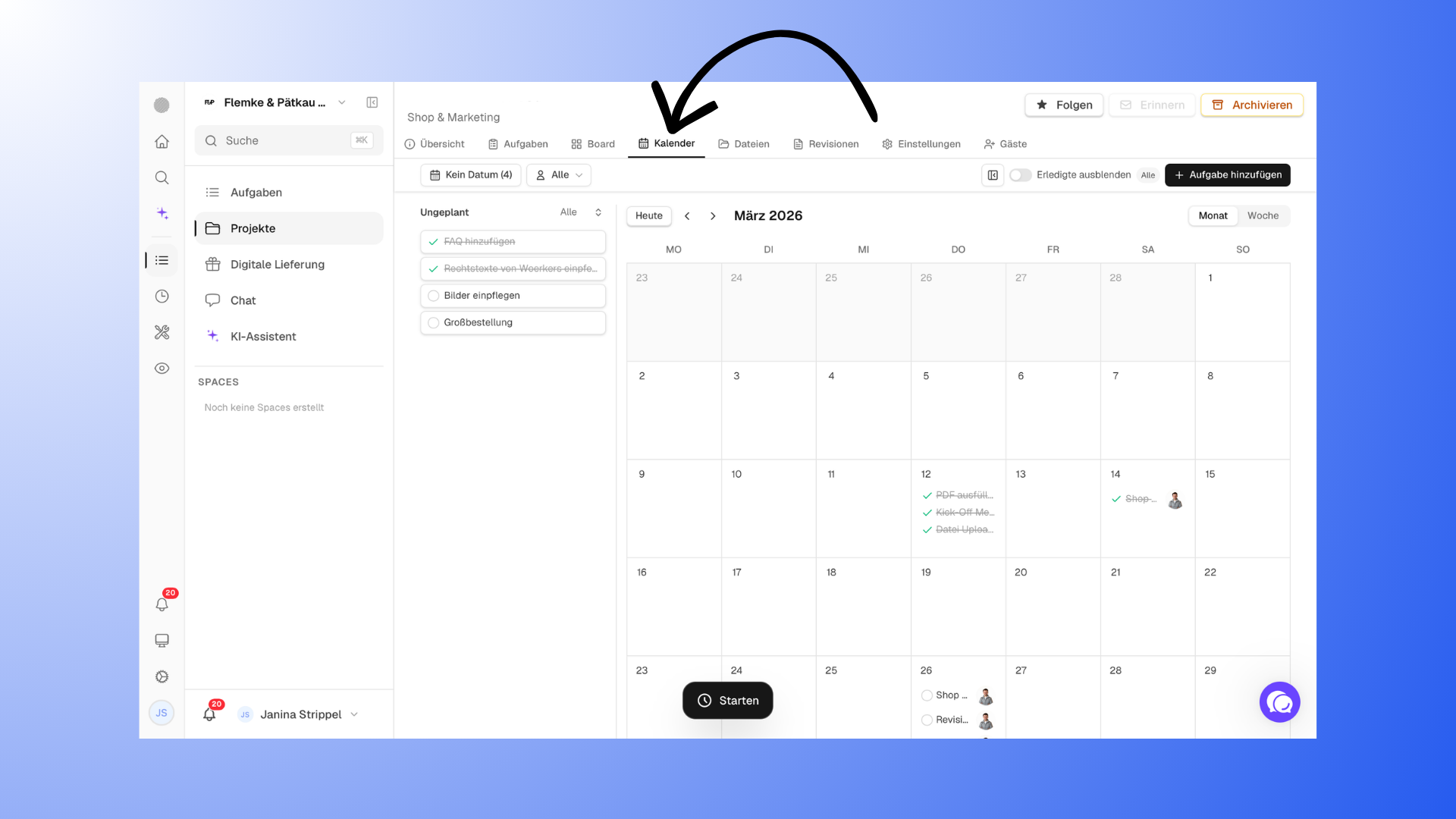
Calendar
Displays tasks with deadlines in a timeline view.
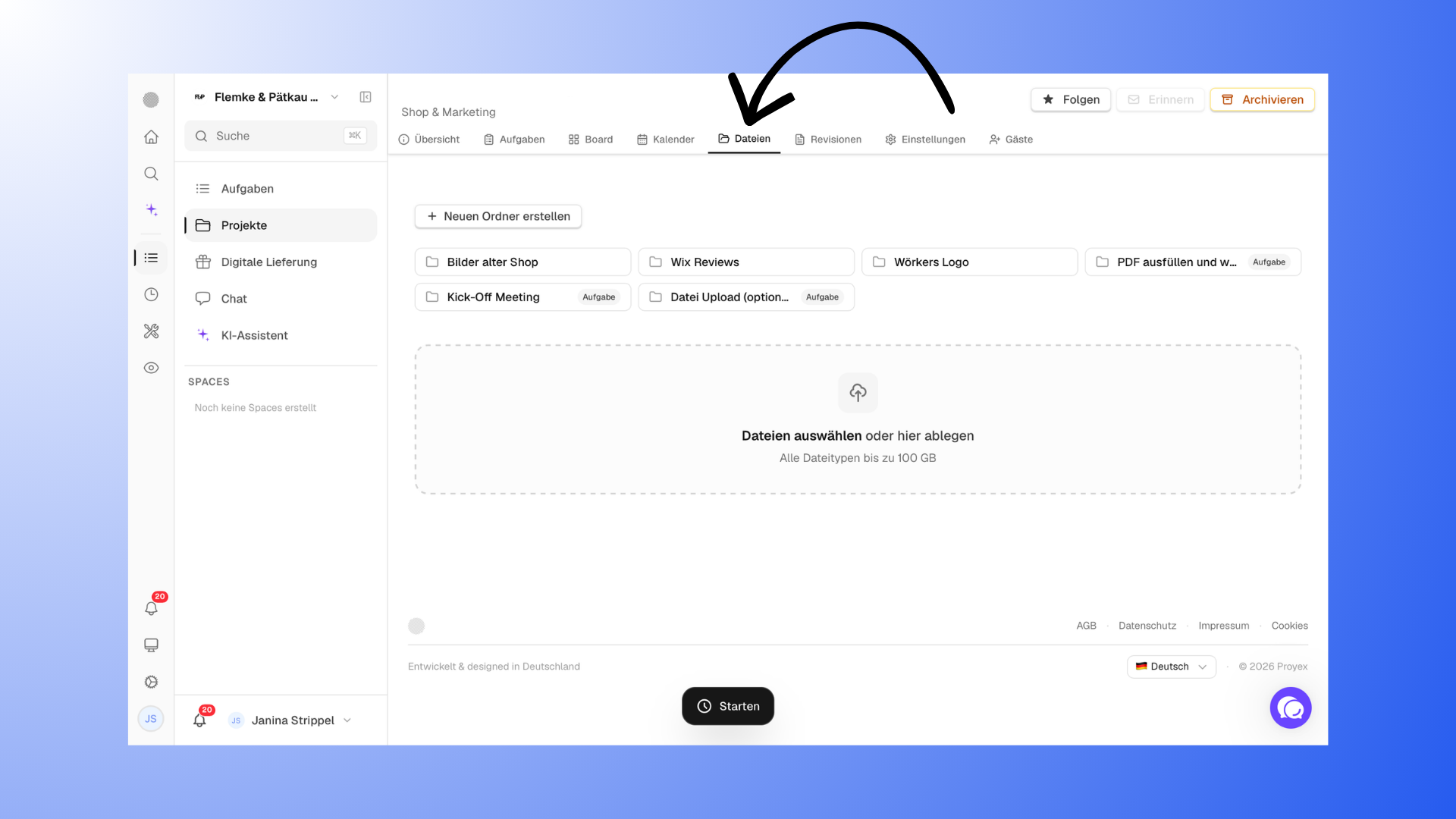
Files
Here you’ll find all project files organized into folders.
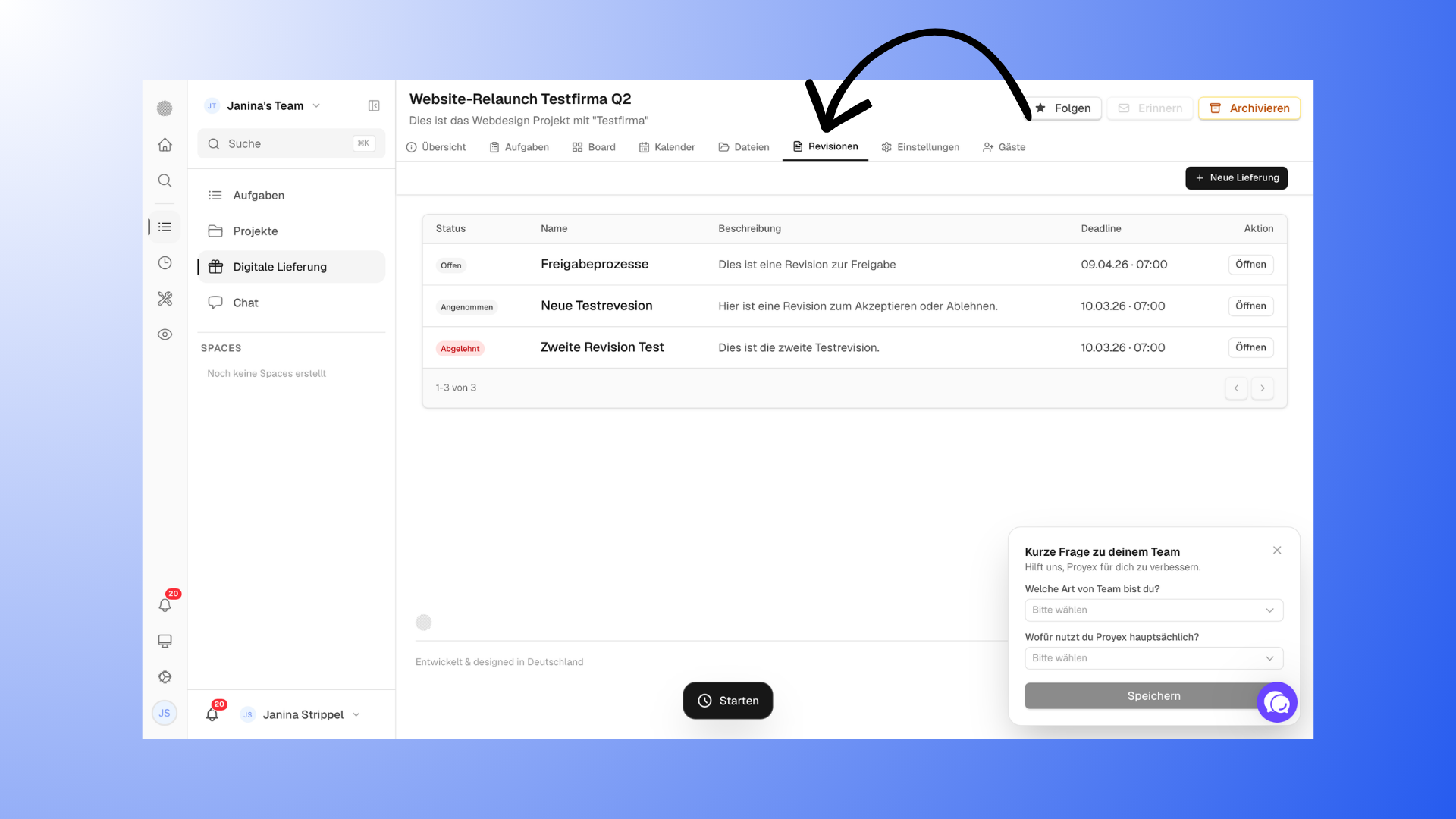
Revisions
This is where your entire feedback and approval process takes place within a project.
Important:
These views always refer to a single project.
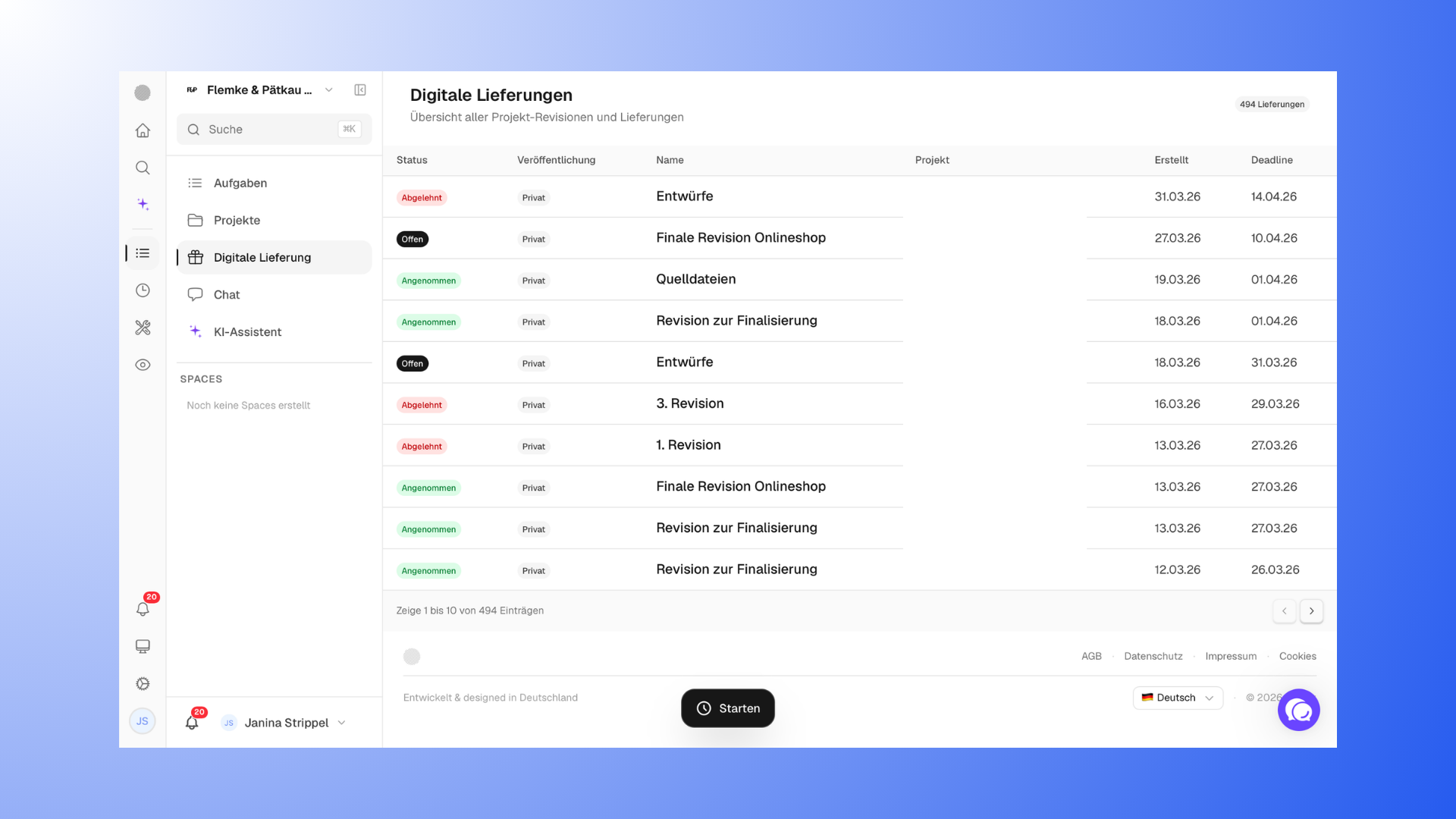
Digital Deliverables
Here you can see all deliverables with deadlines and statuses.
This view is especially helpful when you’re working with clear deliverables.
Time Tracking
In Time Tracking, you can see:
how much time you’ve invested in projects
how your work is distributed
Ideal for monitoring, analysis, and billing.
You can find more information here: "Time recording - recording and evaluating working times".
How the views are related
All views largely access the same data. They just display it differently.
Example:
A task appears in the task view
in the project
on the board
and in the calendar
So you decide for yourself how you want to view your work.
Which view is the right one?
There is no “best” view; it depends on your workflow.
Dashboard: Overview and Getting Started
Tasks: Focus on to-dos
Projects: Overview of progress
Project views: concrete implementation
Many users combine multiple views depending on the situation.