Invite customers to a project
Written By Janina
Last updated 6 months ago
With Proyex, you can invite your customers directly to a project and actively involve them in the project's progress.
This ensures that everyone involved is always on the same page without the need for additional emails or external tools.
🧠 How collaboration with customers works
Customers are invited directly to a project and work there in their own customer view.
They don't need to register or create their own account, but can access the project directly via an email invitation.
All customers have the same role and only see the view intended for them.
➕ Inviting customers to a project
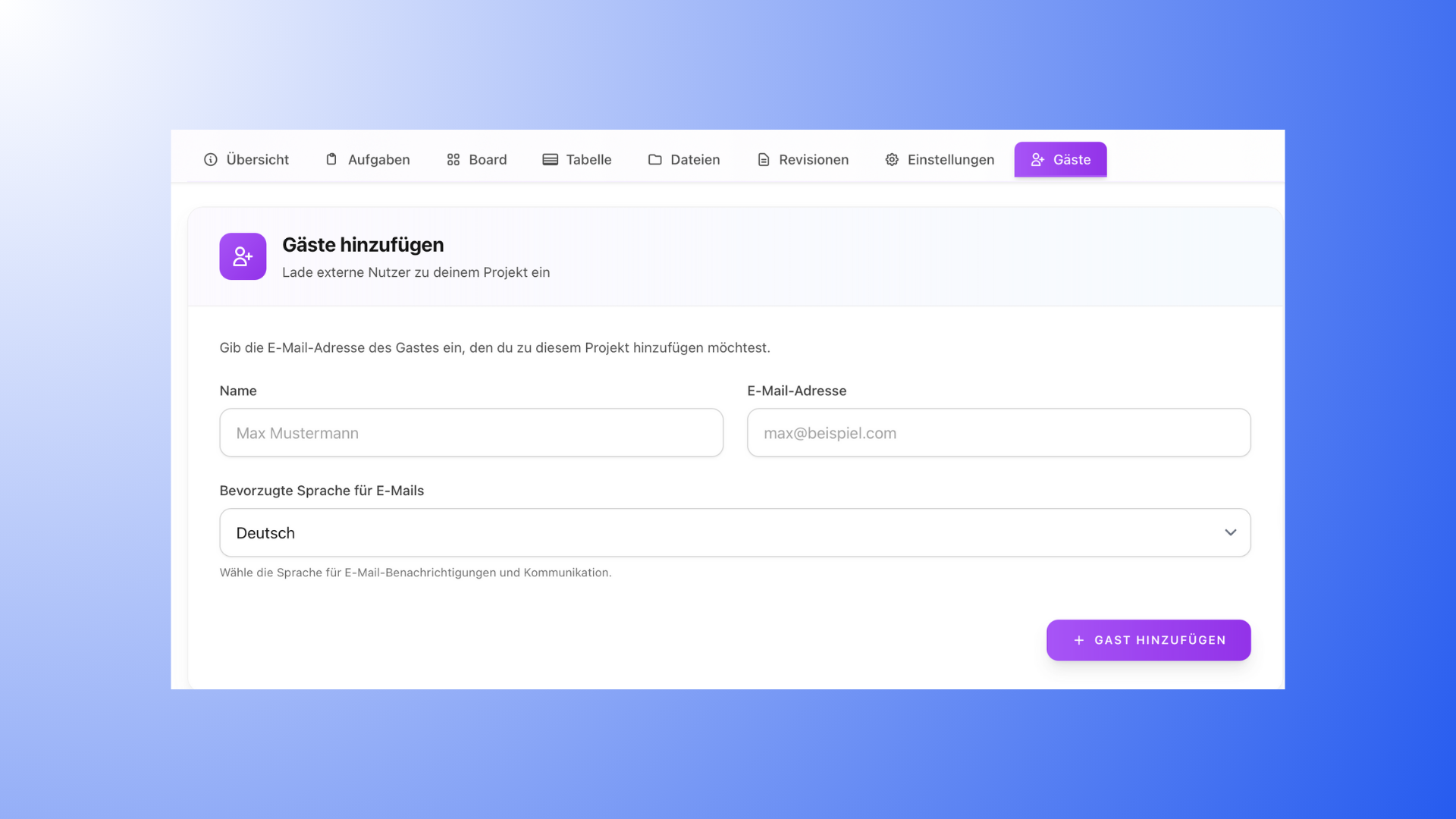
Here's how to invite a customer to your project:
Open the project to which you want to invite a customer.
Click on "+ Guests."
Enter the customer's name and email address.
Select the preferred language for email notifications.
Click on "Invite."
The customer will receive an email and can accept the invitation with a single click. They
will then have direct access to the project.
👀 What customers see in the project
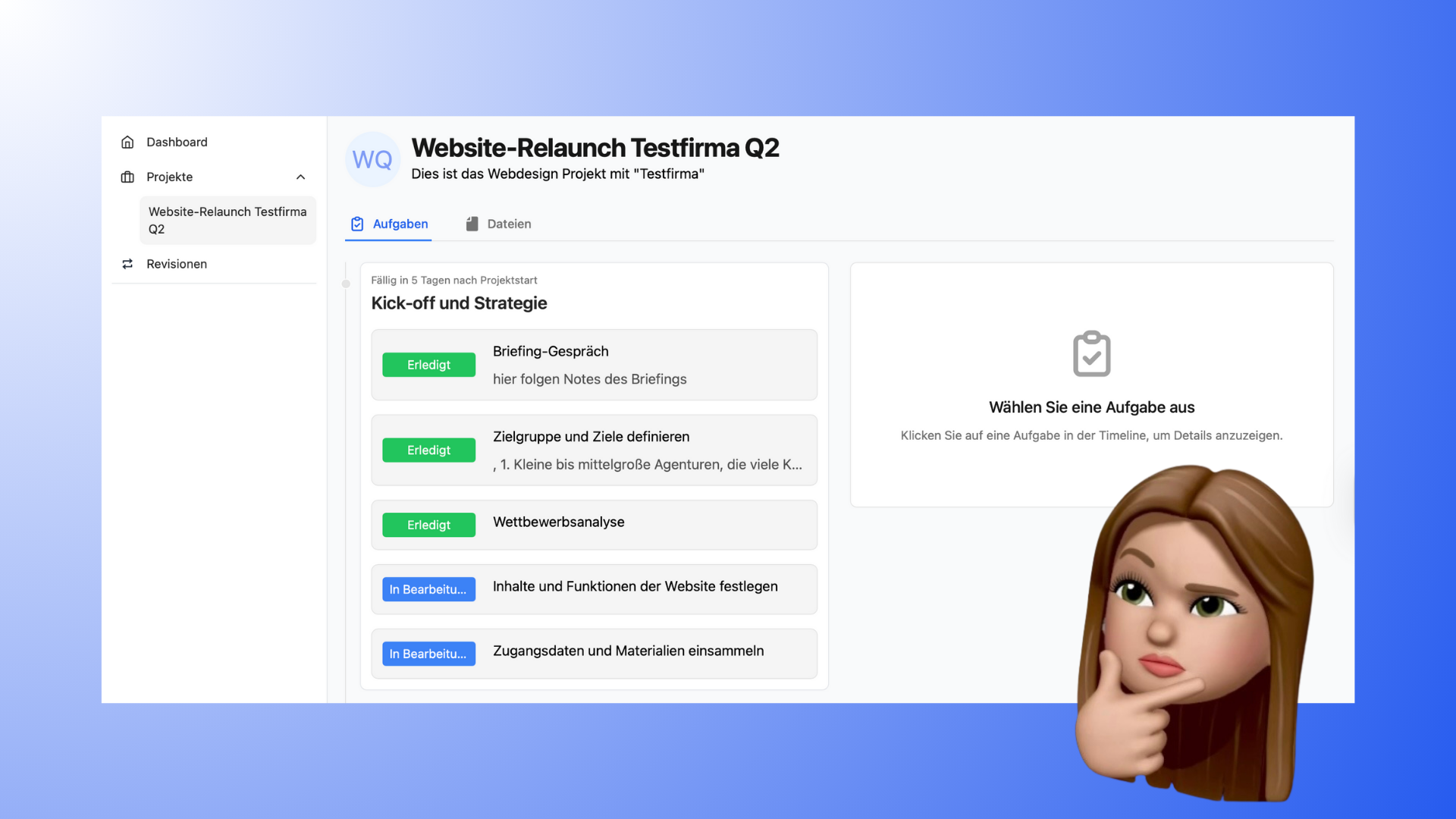
Customers work in their own project view. The following applies:
Customers see all tasks in the project
Customers see the current status of the tasks
Customers see milestones
Customers see comments and files
Customers can download files
Customers do not see internal views such as Kanban boards or tables. They always work in the same clear view.
✏️ What customers can actively do
Customers can actively collaborate on the project without changing the project structure:
Change the
status of tasks (e.g., from In Progress to Done)Create or edit tasks (if permitted in the project settings). In practice, this also allows customers to create "tickets" / "tasks" themselves.
Upload files to tasks
Upload files to the project
Create folders
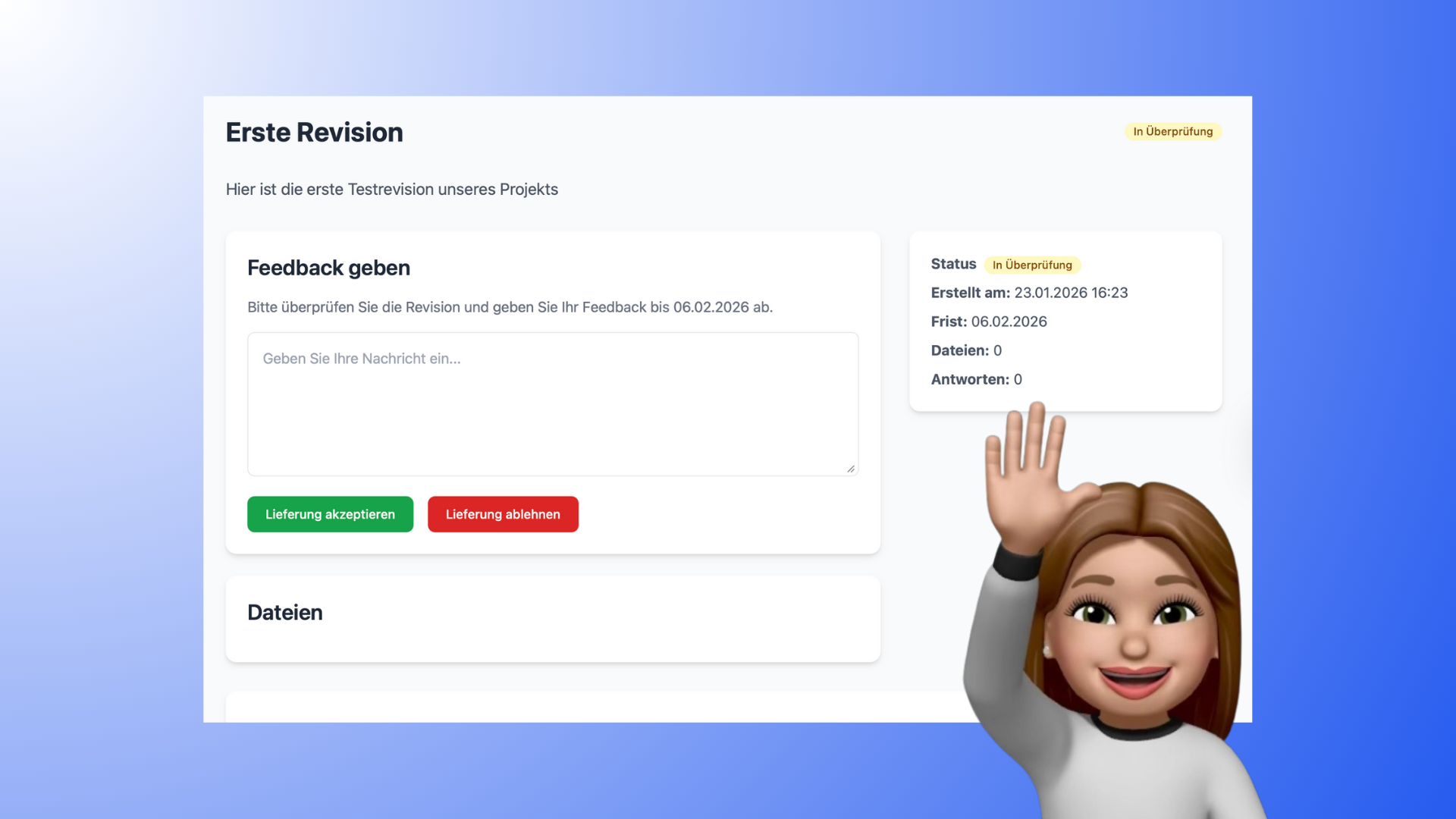
Approve or reject approvals
(e.g., as part of digital order approval)Write comments on revisions
Customers cannot change other content such as task structure, responsibilities, or project structure.
🔔 Notifications for customers
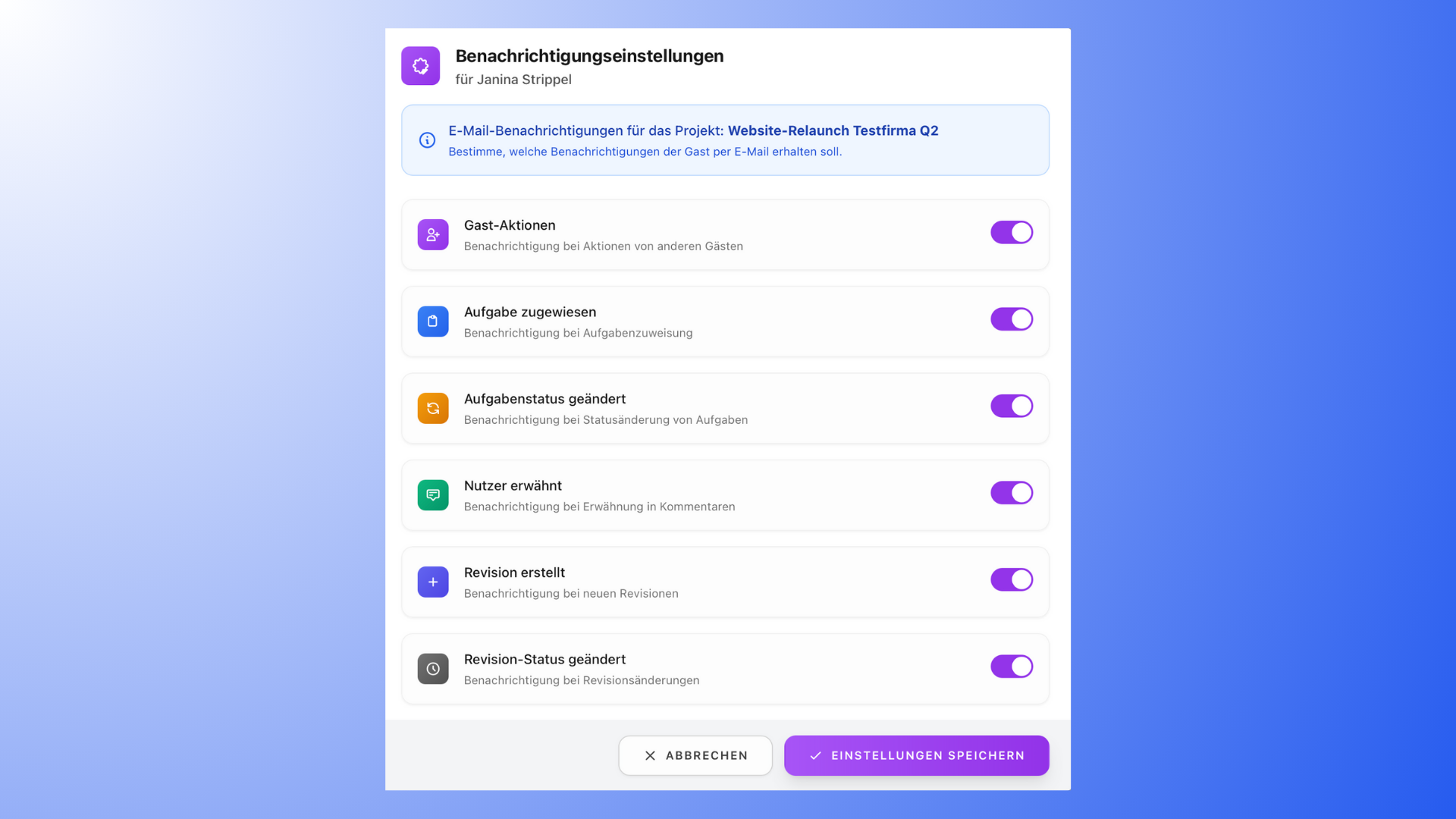
You can individually specify what customers are notified about by email, for example:
Revisions
new comments
status changes
This way, customers only receive information that is relevant to them.
🔐 Access via Magic Link
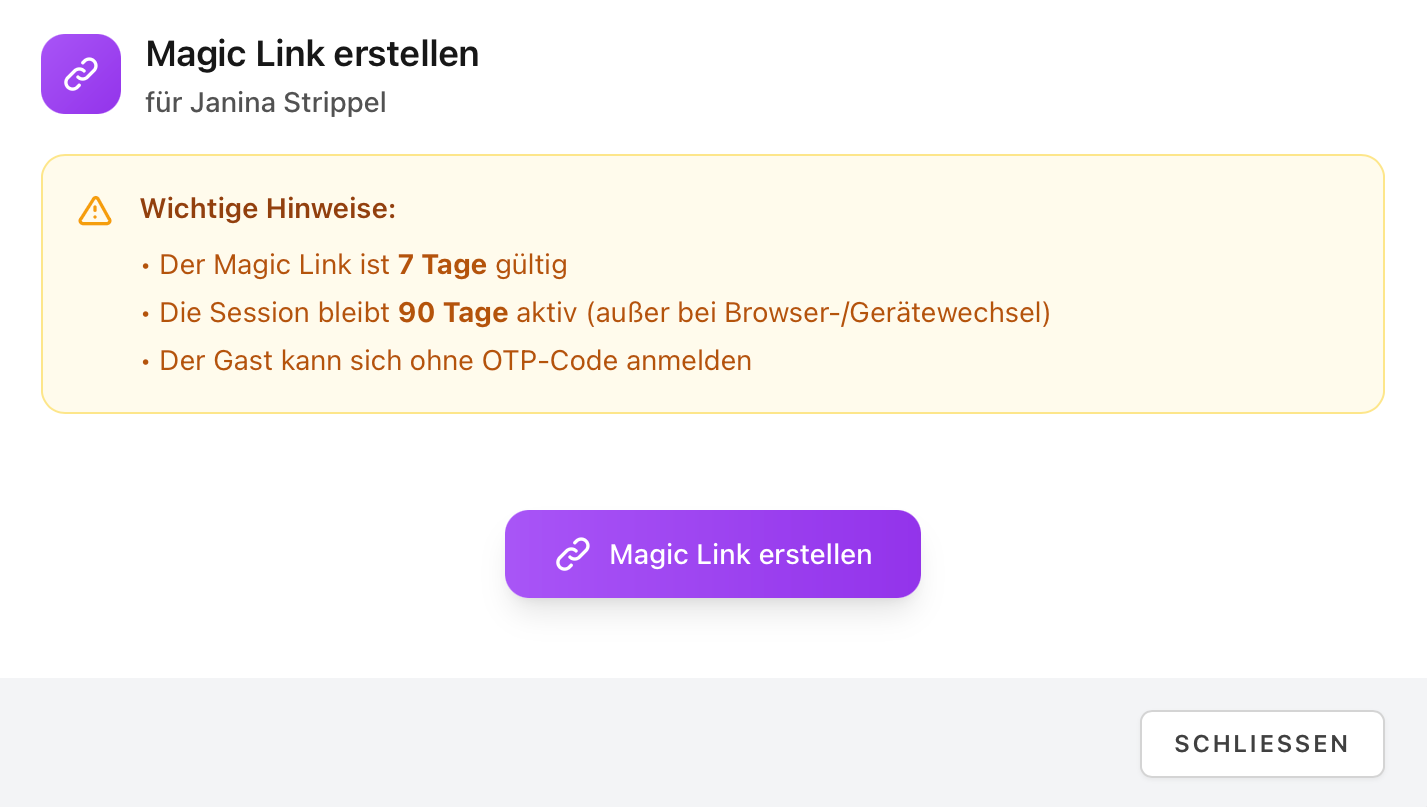
In addition to the email invitation, you can create a Magic Link:
The link is valid for 7 days
The session remains active for 90 days
Customers can log in without additional registration or a code
The link can only be used once
👥 Remove or re-invite customers
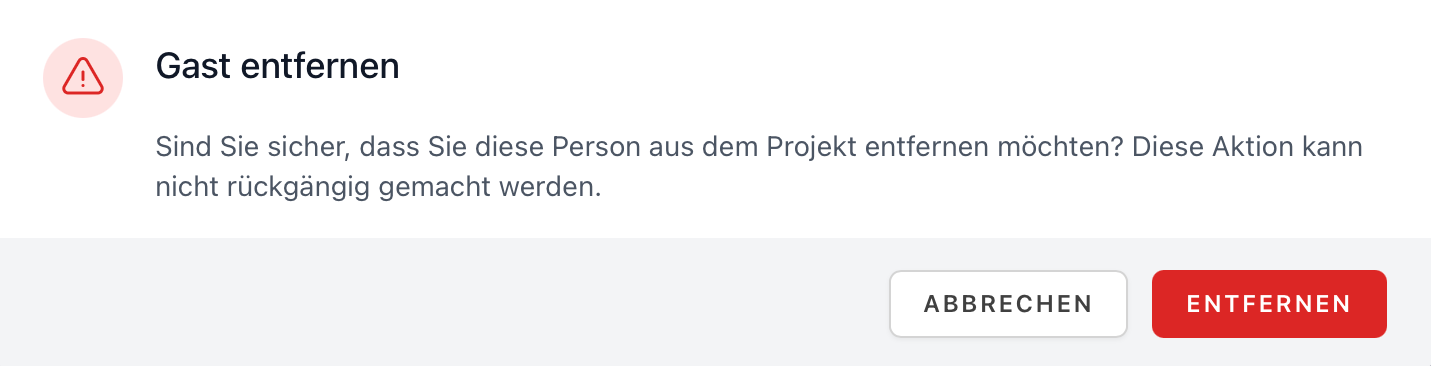
You can remove customers from a project at any time.
If necessary, they can be invited again later, for example, for a new project phase.
💡 Good to know
Customers only ever see the customer view; internal project views remain hidden.
Notifications can be flexibly customized to avoid information overload.
Invite customers to the project early on so that feedback, files, and approvals end up in the right place.
Try it out and invite your customers directly to a project. With Proyex, collaboration remains simple and transparent.
🔗 Related articles
"Customer communication in projects"